Executive Summary
- This guide explores how software adjustments and fan curve optimizations can effectively silence a loud PC, often eliminating the need for expensive and unnecessary hardware replacements.
Strategic Deep-Dive
Many PC enthusiasts immediately look to their wallets when their system becomes too loud, assuming that the only solution is to purchase expensive “silent” fans or massive liquid coolers. However, as this analysis demonstrates, a “noise problem” is more often a configuration failure than a hardware deficiency. By mastering the principles of thermal dynamics and leveraging granular software control, users can achieve a near-silent computing experience without spending a single cent.
The reality is that most modern hardware is designed to run much quieter than its default settings allow, provided the user is willing to intervene.
The core of PC acoustics lies in the relationship between heat dissipation and fan speed. Most motherboards ship with aggressive default fan curves that ramp up RPM (revolutions per minute) far too early in the thermal cycle. Pulse Width Modulation (PWM) allows for precise digital control over these fans, but it requires the user to set an optimized curve.
A critical concept here is “Hysteresis”—the delay in fan speed response to temperature changes. By increasing the step-up time, you can prevent fans from “revving” during minor CPU spikes (like opening a browser tab), which is often the most distracting type of PC noise. A well-configured curve maintains low speeds during idle tasks and only engages high-velocity cooling when thermal thresholds are genuinely threatened.
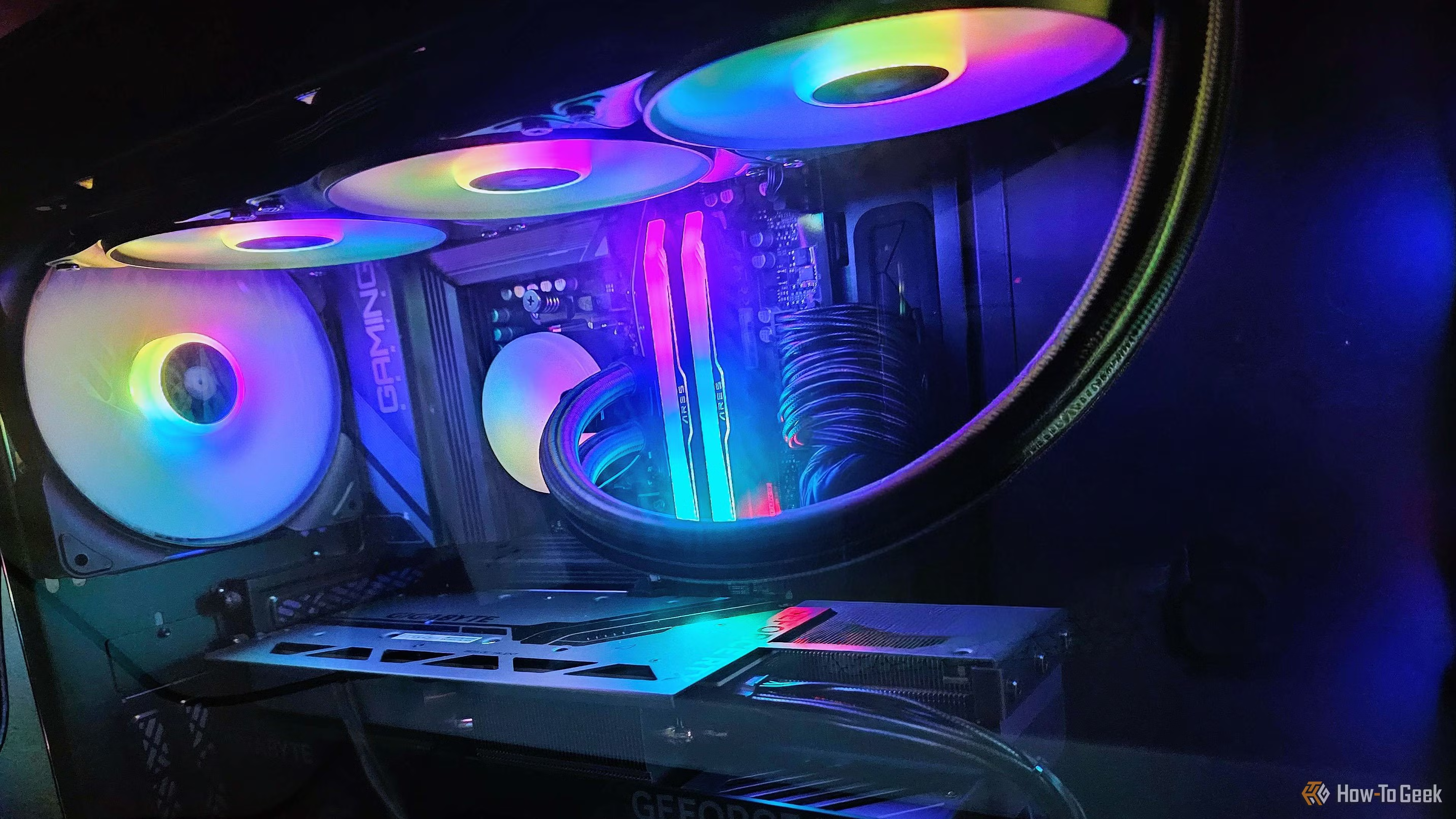
Troubleshooting a loud PC should follow a strict logical progression. First, identify the source: is it the CPU cooler, the GPU, or the case fans? Using free software like “Fan Control” or BIOS-level utilities, users can isolate each fan to find the culprit.
Once identified, evaluate the fan’s behavior. Is it responding to real heat, or is it oscillating due to a poorly calibrated sensor? Often, a 10% reduction in fan speed results in a 50% reduction in perceived acoustic noise, with only a negligible 2-3 degree increase in temperature—a trade-off that is almost always worth making for the sake of focus and comfort.
Furthermore, physical maintenance and sustainability must be considered. Dust accumulation on fan blades and heatsinks acts as a thermal insulator, forcing fans to spin faster to maintain the same temperatures. A simple cleaning combined with a software-driven “Zero RPM” mode—where fans stop completely under light loads—can transform a distracting machine into a silent partner.
This approach emphasizes technical literacy and environmental sustainability over consumerism. By optimizing what you already own, you not only save money but also reduce electronic waste, proving that a deep understanding of hardware is infinitely more effective than simply replacing it.